
Survive Overnight in a Mega Store Electronics Keycard: Location and Room Guide
The electronics keycard in Survive Overnight in a Mega Store spawns inside the manager room after you restore power and defeat the manager. Picking up this card grants access to the locked electric area containing the front door key.
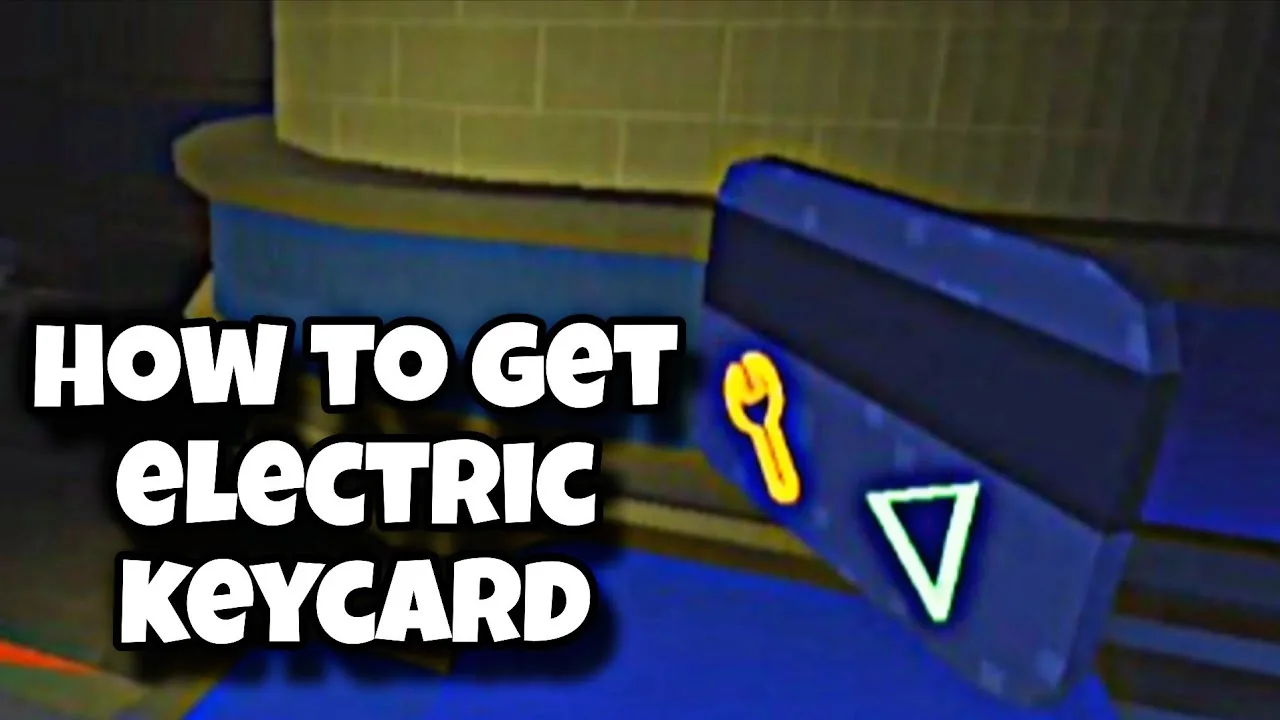
The electronics keycard in Survive Overnight in a Mega Store spawns inside the manager room after you restore power and defeat the manager. Picking up this card grants access to the locked electric area containing the front door key.
Prerequisites to Reach the Electronics Keycard
Reaching the room that houses the electronics keycard requires completing two specific objectives inside the store:
- Restore power to the building by collecting all three colored cubes (red, green, and blue) and slotting them into their matching terminals in the power room. Once placed, wait for the power gauge to turn green. Specific locations for each cube appear on the map in the store, and you can review detailed steps on how to turn on power as well as exact cube locations across different departments.
- Defeat the store manager during the night. Store employees cannot be damaged during daytime hours, so combat must take place once night begins. Striking down the manager drops the manager keycard.
Picking up the dropped manager card allows entry into the manager room, where the electronics keycard is stored.
Locating and Claiming the Electronics Keycard
Once you possess the manager card and the power indicator is green, locate the manager room door along the store perimeter:
- Approach the card reader beside the manager room entrance while holding the manager card.
- Interact with the reader to unlock and open the door.
- Step inside the manager office and inspect the room surfaces to spot the item labeled as the electronics keycard (also called the electric keycard).
- Interact with the keycard to add it to your inventory slots.
If inventory space is full, you must drop an item or purchase additional capacity from the store menu before picking up the card.
Unlocking the Electric Area and Front Door Key
The electronics keycard exists specifically to unlock the electric room located within the electrical section of the store:
- Carry the electronics keycard to the locked door situated in the electric department.
- Interact with the scanner using the electronics keycard to release the lock.
- Enter the newly accessible room to locate the front door key sitting inside.
- Pick up the front door key to unlock the main front exit doors, leading into the confrontation against the CEO.
Chapter 1 Access Item Progression
Progression through Chapter 1 relies on obtaining sequential clearance items in an exact order:
| Access Item | Primary Function | Acquisition Requirement |
|---|---|---|
| Manager Keycard | Unlocks the manager office | Charge the power grid to green and defeat the store manager at night |
| Electronics Keycard | Unlocks the door in the electric area | Retrieve from inside the unlocked manager office |
| Front Door Key | Unlocks the front entrance toward the CEO area | Collect from inside the unlocked electric room |
Next step
Gold Key
Learn where to locate the gold key, how to access the office, and the steps required to unlock the store exit.