
Survive Overnight in a Mega Store A Tasty Brew Badge Quest Guide
To earn the Survive Overnight in a Mega Store A Tasty Brew badge, collect 18 event candies—six of each of the three distinct types—deposit them into the entrance cauldron using the G key, and hold E to stir.
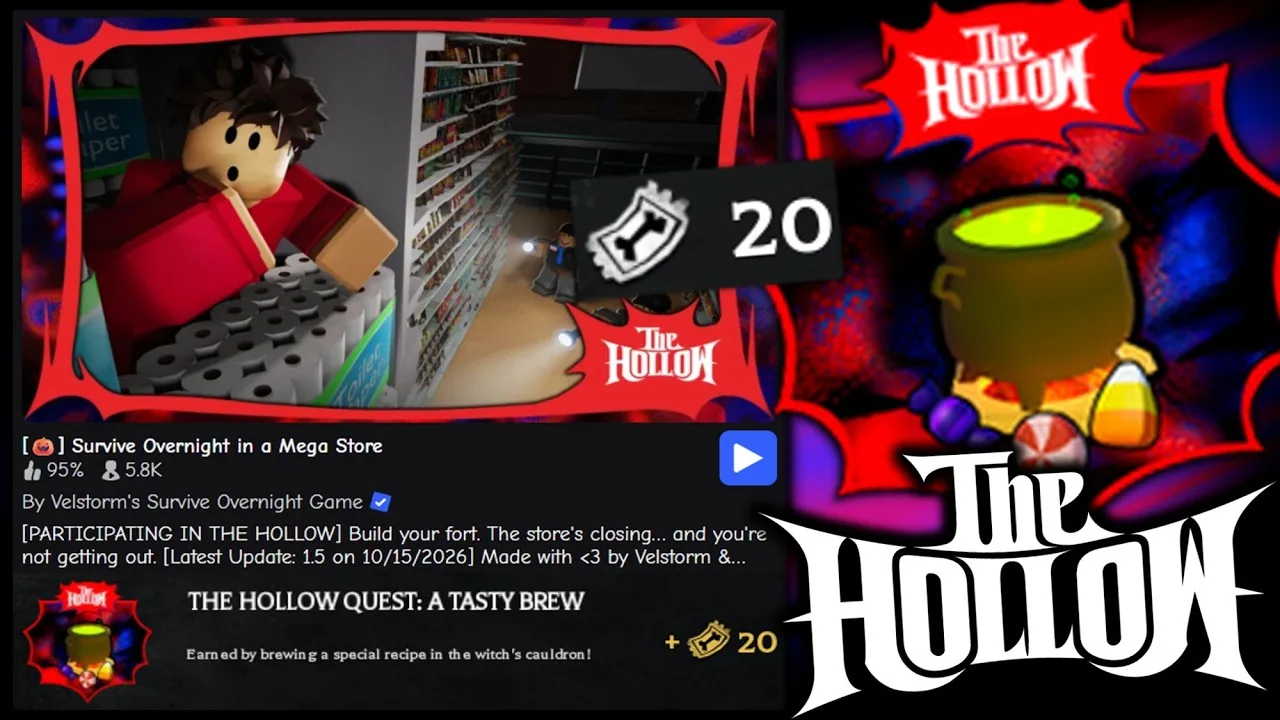
To earn the Survive Overnight in a Mega Store A Tasty Brew badge, collect 18 event candies—six of each of the three distinct types—deposit them into the entrance cauldron using the G key, and hold E to stir.
The event cauldron sits directly inside the main entrance doors of the store. Above the cauldron, a display tracks the three counters required to finish the brew. Participating in The Hollow event requires turning in six candy corns, six wrapped purple candies, and six red-and-white candies. Submitting surplus pieces beyond six for a single type does not advance missing types, so tracking the counter status prevents wasted inventory trips.
Candy Gathering and Coffin Search Locations
Candies spawn primarily inside pumpkin chests positioned across the sales floor. Pumpkin chests remain locked during the daytime and unlock only when night arrives. Players can identify chest positions ahead of time while the day timer runs, noting locations near the front weapons counter, the central north-to-south aisle, and the graveyard area toward the back of the store.
Searching the graveyard offers an alternative source that functions during the day. Players can interact with the coffins positioned among the tombstones, lift their lids, and move them aside. Coffins can hold loose candy pieces directly or reveal lower chambers that contain extra chests. Defeating hostile store employees at night provides an occasional candy drop, though employee encounters carry high combat damage and do not guarantee a drop on every takedown.
| Candy Source | Collection Window | Risk or Requirement |
|---|---|---|
| Pumpkin Chests | Night only | Triggers nearby employee alerts when opened |
| Graveyard Coffins | Daytime and night | Requires manually removing lids to reveal items |
| Defeated Employees | Night only | Inconsistent drop rates with risk of taking melee hits |
Depositing Candies and Managing Survival
Transporting candies back to the cauldron requires careful key control. Equipping a candy and clicking the mouse causes your character to consume the item. To deposit an item into the pot without eating it, stand directly beside the cauldron and press G on your keyboard.
Carrying candies takes up standard item slots, meaning players must balance space between event ingredients and survival supplies. Managing your hunger by learning how to eat food items like burgers and drinks maintains the energy needed to sprint away from hostile workers. While red-and-white striped candies can restore missing character health in an emergency, preserving them for the cauldron count is safer while relying on a medkit for healing damage taken from employee strikes. Grabbing melee gear from the weapons racks near the entrance provides adequate defense if night catches you away from the lobby.
Brewing the Cauldron and Claiming Event Rewards
Once all three displays above the cauldron register six items each, the prompt switches to allow brewing. Approach the pot and hold the E key to begin stirring the mixture. The stirring animation runs for several seconds before finishing. Completing this interaction during the daytime avoids interruptions from aggressive night patrols.
Finishing the brew unlocks The Hollow - A Tasty Brew badge in your Roblox profile inventory alongside other unlocked badges. The event system awards The Hollow tickets upon recipe completion, which players can confirm by returning to the central event hub portal.
Next step
Badges
Review all 22 badges in Survive Overnight in a Mega Store, detailing survival milestones, combat tasks, and CEO escape requirements.