
Survive Overnight in a Mega Store How to Escape: Chapter 1 Walkthrough
To escape in Survive Overnight in a Mega Store, power the store by placing three colored cubes, defeat the manager for keycards to grab the gold key, and disable five store alarms while evading the CEO boss to reach the exit.
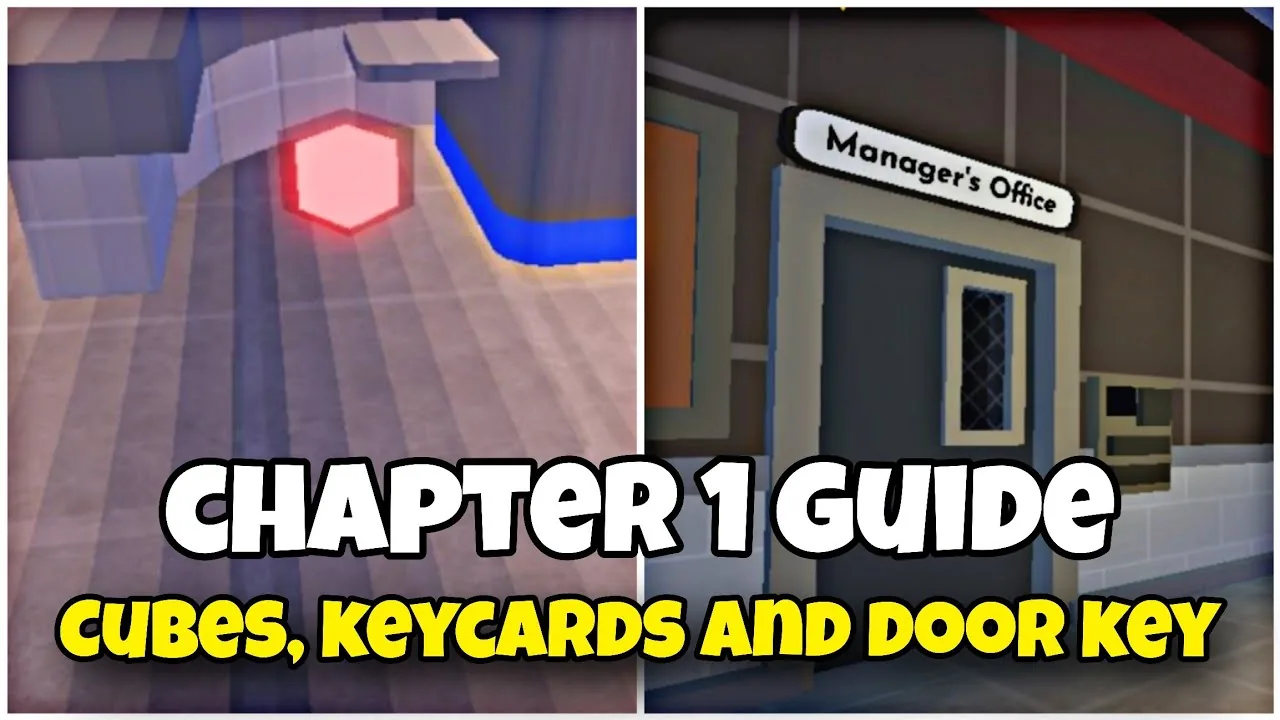
To escape in Survive Overnight in a Mega Store, power the store by placing three colored cubes, defeat the manager for keycards to grab the gold key, and disable five store alarms while evading the CEO boss to reach the exit.
Escaping the store completes Chapter 1 of the survival experience created by Velstorm's Survive Overnight Game. The escape path requires players to explore the building across multiple day and night cycles, locate specific security access cards, and outrun aggressive employees along with the final boss.
Required Escape Items and Prerequisites
Completing the escape sequence requires several key quest items found across the supermarket aisles and back rooms. Players must gather these items in sequence, as each door card reader stays locked until the main power grid comes online.
- Blue Cube, Green Cube, and Red Cube: Three colored energy cubes spawn on the floor and display shelves around the store.
- Manager Keycard: Dropped by the store manager enemy once defeated during night encounters.
- Electronics Keycard: Located inside the locked manager office on the office desk.
- Gold Key: Resting on the counter inside the electrical security room.
- Healing Supplies: Stockpiling a medkit or bandages keeps player health stable during the final chase sequence.
Activating Store Power with Energy Cubes
Before card readers accept access cards, the store generator must be activated. Players need to search the store aisles to locate the blue cube, green cube, and red cube. Each cube takes up inventory space, though players can drop them directly in front of the generator station to transport them in trips.
Once inside the generator room, place each cube into its matching colored slot on the wall panel. Inserting all three cubes begins the power charging process. The power bar starts in the yellow zone and gradually fills toward the top. Players must protect themselves while the meter charges. The system comes online once the power bar turns full green, restoring electricity to the electronic card scanners on locked office doors.
Defeating the Manager for Keycard Access
The store manager spawns as an aggressive enemy during the night shift. He has high health, throws items that inflict 20 damage on contact, and pursues players through store aisles. Team members can defeat him by coordinating attacks with weapons such as firearms, swords, or katanas.
When the manager falls, he drops the manager keycard directly onto the floor. Pick up the card and head to the manager office door. With the generator running, swipe the card against the reader to enter. On the desk inside, collect the electronics keycard. Take this card to the locked electrical security room to scan inside, where the gold key sits waiting on the desk.
Escaping the CEO and Disabling Alarms
Carrying the gold key to the front entrance unlocks the exit doors, but opening them triggers a storewide lockdown. Surviving through night six initiates the encounter with the CEO, a large, fast-moving boss enemy that spawns alongside regular store workers. The exit door locks automatically until players disable five emergency alarm switches scattered throughout the building.
| Strategy Option | Best Situation | Tradeoff |
|---|---|---|
| Shotgun or Ranged Firearms | Defeating the manager or clearing workers blocking doors | Requires collecting ammunition boxes before the final night |
| Sword or Katana Melee | Conserving inventory slots without tracking ammo | Weapon loses durability and risks close-range contact damage |
| Evasion and Full Sprinting | Running between the five alarm boxes across the store | Depletes energy meter quickly and requires carrying food items |
The five alarm stations sit across three distinct areas of the map:
- Two alarm boxes near the front entrance area.
- Two alarm boxes positioned in the middle aisle section.
- One alarm box mounted toward the back storage area.
Sprint between each alarm station to minimize time spent in open corridors. When interacting with an alarm box, release the sprint key; continuing to sprint interrupts the shutoff interaction. Keep food or Bloxy Cola in hotbar slots to restore energy when stamina drops low.
Leaving the Store and Chapter 1 Completion
After shutting down all five alarms, an on-screen prompt alerts players that the front exit is unlocked. Run directly to the main front doors while avoiding the CEO boss. Opening the front door takes a few seconds of interaction time, so create distance from pursuing enemies before starting the door interaction.
Passing through the open doors displays the victory prompt: "You escaped the CEO. Choose to leave now or enter blues to continue." Escaping grants the "Chapter 1: Escape the CEO" Roblox badge. Players can choose to end the run immediately or step into the vehicle outside to proceed into the next chapter.
Next step
Manager Keycard Guide
This guide explains the specific steps required to acquire the manager keycard and how to use it to advance through the office areas.