
Survive Overnight in a Mega Store Red Cube Location: Where to Find It
The red cube location in Survive Overnight in a Mega Store sits near the front entrance by the checkout area registers. Players must retrieve this collectible block alongside two other colored cubes to fuel the store electrical room generator on day three.
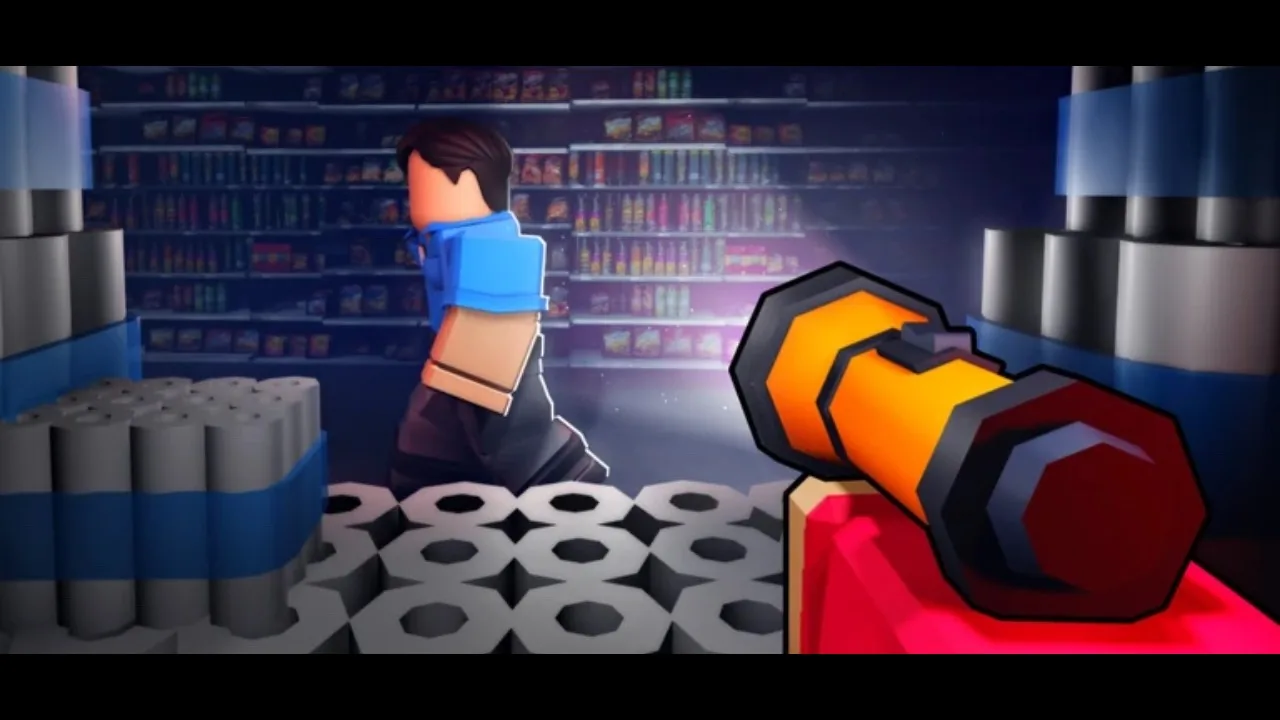
The red cube location in Survive Overnight in a Mega Store sits near the front entrance by the checkout area registers. Players must retrieve this collectible block alongside two other colored cubes to fuel the store electrical room generator on day three.
Where to Find the Red Cube
Players enter the mega store near the front checkout lanes, where cash registers and counters line the opening zone. The red power cube spawns resting openly in this starting section around the checkout stands. Because players spawn into the match at this exact front boundary, inspecting the checkout counters immediately upon entering yields the cube without navigating into the interior aisles.
The item appears as a brightly colored, glowing red block. Picking it up places the cube directly into your character inventory or carry slot. If your backpack slots are full from grabbing burgers, Bloxy Colas, or flashlights, you can drop an item to lift the cube or hold it manually while moving through the floor aisles.
Red Cube Retrieval Strategy
Planning when to pick up the red cube depends on your base setup and the day-and-night cycle. Daytime is safe because store employees do not attack during working hours, whereas nighttime spawns hostile workers that deal damage on contact.
| Retrieval Approach | Best For | Trade-Off |
|---|---|---|
| Immediate pickup at match start | Players who spawn right by the front checkout counters | Occupies an inventory slot before gathering food rations |
| Midday return on Day 2 or 3 | Players setting up base furniture near the center aisles | Requires walking back to the entrance registers |
| Nighttime dash | Players caught near checkout when darkness falls | Hostile store staff and buff crate-throwing workers roam the aisles |
Securing the red block early lets you store it at your personal shelter before setting out to gather other cube locations across the mega store floor.
How to Use the Red Cube to Restore Power
The red cube serves as one of three primary fuel items required to run the electrical system. Inserting the cube into the store generator completes one third of the circuit:
- Carry the red cube across the store floor toward the maintenance power room. A door note from worker Bob indicates the room stays closed until Tuesday, making the generator location accessible starting on the third day.
- Step inside the electrical room and locate the central generator terminal slots.
- Interact with the red receptacle slot to seat the red cube inside the machine.
- Locate the green cube in the mechanic area and the blue cube behind the weaponry section to fill the remaining sockets.
- Wait through a full day cycle once all three cubes sit in their slots so the generator charges to full capacity.
Completing the circuit enables store devices, keycard readers, and powered doors across Blue's mega store, advancing your progress toward survival milestones and higher-tier sections. Players coordinating the setup can follow the full steps on how to turn on power to ensure each component functions properly before the night shift begins.
Next step
Codes and Rewards
Find out how to redeem survival perks and claim free group tokens in Velstorm's Roblox experience.