
Survive Overnight in a Mega Store Multiplayer: Co-Op Survival and Badges
Survive Overnight in a Mega Store multiplayer allows groups of up to six players to queue together, share base construction, divide scavenging tasks, and revive downed teammates using bandages or medkits to survive the night shift against hostile staff.
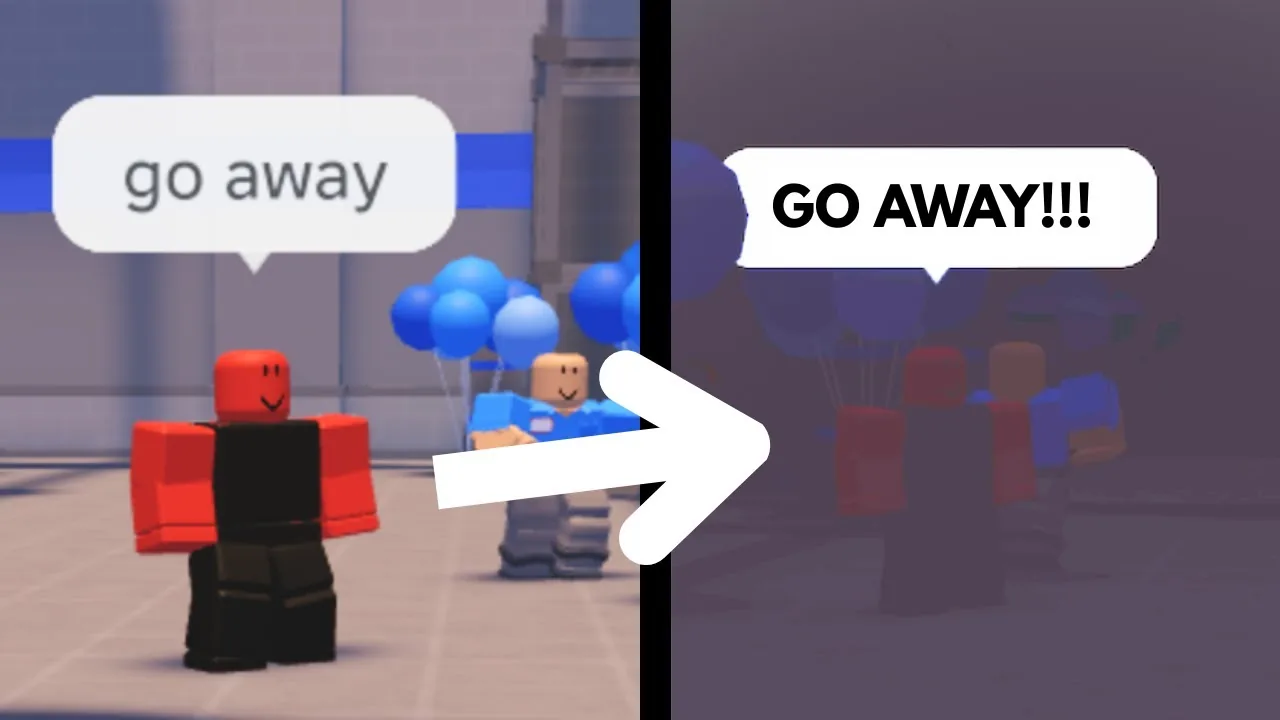
Survive Overnight in a Mega Store multiplayer allows groups of up to six players to queue together, share base construction, divide scavenging tasks, and revive downed teammates using bandages or medkits to survive the night shift against hostile staff.
Team Queues and Multiplayer Badges
Players join matches through the lobby portals, where the match host can configure team sizes ranging from solo attempts up to six players per private session. Public universe instances support up to 25 players on a server. Teaming up directly connects to several specific profile achievements built into the game:
- Friendly: Awarded immediately upon launching a match with a friend present in the party.
- Better Together: Unlocked after surviving the seventh night while keeping at least one teammate alive.
- There's no i in Team!: Awarded when a full squad escapes the CEO with all members surviving the exit sequence.
Joining with a squad increases total inventory capacity across the group, allowing teams to hoard weapons, medical supplies, and building materials much faster than solo players.
Squad Strategy Selection
Different team compositions impact how quickly resources accumulate and how well players withstand employee attacks at night.
| Strategy Type | Best For | Operational Cost |
|---|---|---|
| Split Scavenging | Stockpiling food and structural blocks during early daytime | Leaves isolated players vulnerable to roaming employees without backup |
| Group Roaming | Clearing manager targets and securing contested cube spawns | Slower overall base building and shared weapon ammunition pools |
| Shelf Fortification | Holding choke points against swole staff and roaches | Requires ongoing wall repairs as hostile staff deal structural damage |
Resource Coordination and Item Sharing
Cooperative teams succeed by dividing labor during the day phase before lights turn off. One player can focus on gathering food items like burgers, hot dogs, and Bloxy Cola to sustain party stamina, while other teammates collect scrap metal, wooden planks, couches, and pallets to assemble the best base.
Items transfer between players using standard controls. Dropping an equipped item on PC requires pressing the G key, placing the item directly on the floor for an ally to pick up. Teammates can distribute found weapons, such as katanas, pistols, and shotguns, ensuring the strongest defensive tools protect the base perimeter. Furniture pieces rotate with R or control keys, allowing multiple builders to seal gaps or construct second-story shelf perimeters.
Revive Mechanics and Healing Downed Allies
When an employee or boss depletes a player's health to zero, that player collapses instead of immediately losing the run. Downed players enter an incapacitated state with a countdown timer above their character:
- Locate the fallen teammate before their revive timer expires.
- Approach the body while holding a medkit or a crafted bandage.
- Hold the interact prompt over the teammate to initiate the revive sequence.
If loose medical supplies are unavailable, players can open the crafting menu by pressing Tab. Collecting red cash banknotes scattered around the store aisles allows players to craft bandages directly. Alternatively, players can purchase an instant revive using Robux if the timer runs out before a teammate arrives.
Cooperative Escape Objectives
Escaping the store requires coordinated execution across multiple store sectors. Teams must locate three colored energy cubes—blue, green, and red—hidden throughout the store aisles and transport them to the electrical storage room. Learning how to turn on power requires inserting all three cubes into the generator sockets and protecting the room until the power meter fills completely.
Once power is restored, squads must track down the store manager, who begins patrolling during middle nights. Eliminating the manager causes him to drop the manager keycard, which opens the security office holding the gold exit key. When the gold key is used at the front doors, the CEO arrives and triggers alarms across the facility. Squad members must split up to interact with and disable every sounding alarm console before sprinting through the unlocked main exit to complete Chapter 1.
Next step
Save Progress
Understand how account progression, tokens, gamepasses, and badges persist across matches in Survive Overnight in a Mega Store.